
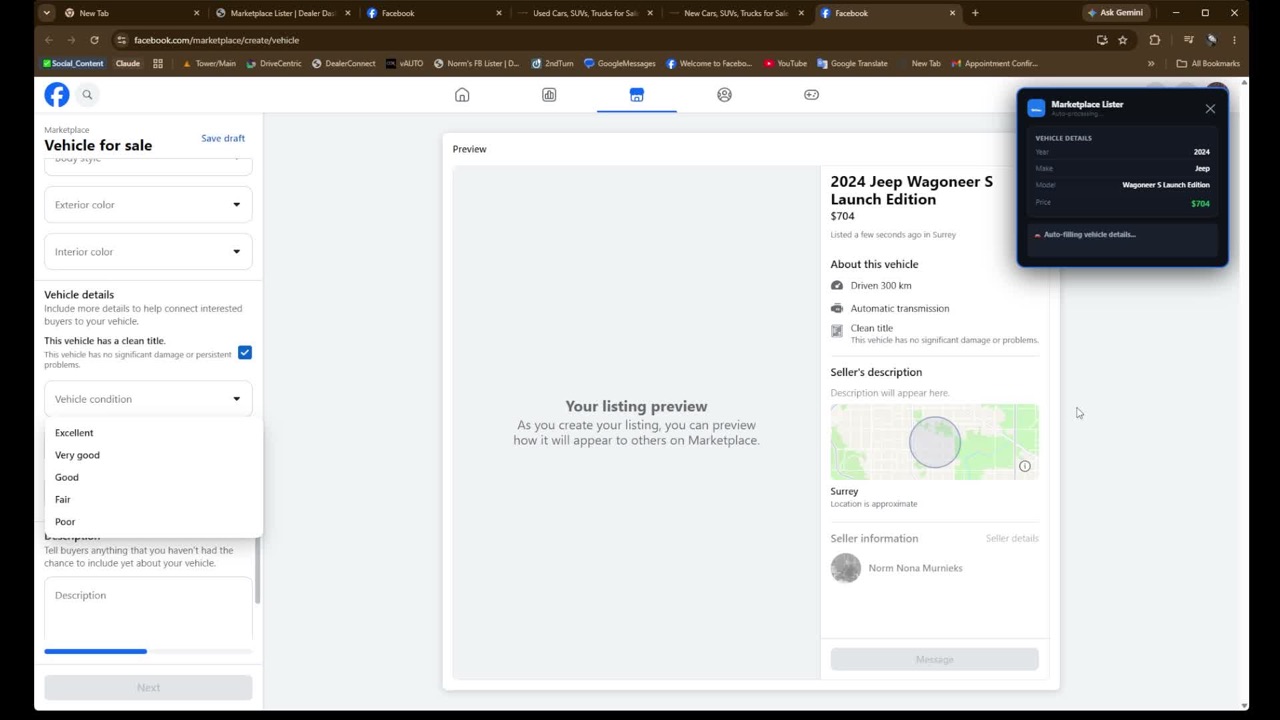
The problem appears small until a customer sees it
A dealership can change a price on its website in seconds. A salesperson may have already published that vehicle to Marketplace, created a social post and sent the old figure to a buyer. Each additional channel becomes another place that needs review.
The customer does not see this as a data-management problem. They see two prices for the same vehicle. Even when the reason is innocent, the salesperson must recover clarity before moving the conversation forward.
What a price mismatch changes
- Trust: the buyer may wonder which number is real.
- Conversation: the first interaction becomes an explanation.
- Qualification: a shopper may have responded because of the old price.
- Team efficiency: several salespeople may repeat the same correction.
- Advertising consistency: screenshots and reused content may preserve an old figure.
Build a price-change workflow
1. Define the current source
Know which inventory source your team treats as current. For many dealerships, this is the public website feed or the system supplying it.
2. Detect the change
A person can check manually, or software can compare current inventory with a previous value. Detection should identify the vehicle, old price, new price and time observed.
3. Find affected content
Determine where the vehicle is active: Marketplace, Craigslist, social posts, video captions or other listings. Not every item requires the same action.
4. Review and update
Confirm the new figure and update the appropriate listings. If the vehicle is no longer active, handle availability at the same time.
5. Record completion
A shared status prevents several people from repeating the check while assuming someone else handled it.
Make price changes visible
Marketplace Lister can compare inventory changes with your Marketplace workflow so the next action is easier to see.
See inventory monitoring →Price, payment and offer are not interchangeable
A selling price, a monthly payment and a promotional offer answer different buyer questions. If the content uses a payment example, make the context and required terms clear. Do not assume that changing the selling price automatically corrects every derived message.
What should the salesperson say?
Be direct. Confirm the current figure, acknowledge the difference and explain the next step. Avoid blaming another department or making the shopper decode internal systems.
“Thanks for checking. The current website price is the updated figure. I’m confirming availability now and will send you the correct details.”
The exact language should match the situation and dealership policy, but clarity matters more than a long explanation.
Frequently asked questions
How quickly should a Marketplace price be updated?
As soon as the change is confirmed and the affected listing can be reviewed. High-intent inventory information should not wait for a monthly cleanup.
Should prices be removed from descriptions?
Removing the price from one field does not remove the need for accuracy elsewhere. Build a workflow around the way your dealership and the platform present pricing.
Can software update every third-party listing automatically?
Capabilities and platform workflows vary. A dependable system should clearly explain what it assists, what it monitors and what still requires a person.